
Your fantasy creation workspace
Choose a subject.
Build its variations.
Choose a focused character, weapon, monster, item or location generator. Its guided layers are customised for that subject. Shape the details, save your choices and create further images of the thing you chose.
Character and monster generatorsWeapon and item generatorsFocused location generatorsContinue, vary and animate
A different way to create
One chosen subject. Purpose-built creative control.
This is not a general image box that mixes every subject together. Each generator is built around a specific character, creature, weapon, item or location. Its layers and choices are customised to that subject, so you can develop it with precision and return to create more images from the same build.
Find the right starting point
Search the family library, filter A-Z or browse the subjects that interest you. Start with a focused generator built around that subject. The available choices and guidance are customised to the generator you selected, rather than the same generic form for everything.
Choose details, not prompt tricks
A character generator can guide identity, clothing and pose. A weapon generator can guide shape, materials and finish. Each layer gives you selections relevant to the subject, with custom descriptions for the details you want to add.
Change one part of the design
Want wings on your character, or orange clothing instead of green? Change that choice without clearing the rest of your build. Identity, equipment, setting and other unedited selections remain in place.
Keep the work behind the image
The image is only one part of your creation. Saved builds retain your design choices, so you can return, refine a detail, save a reusable preset and build a collection around the same character or campaign.
Character generator example
Guided layers, customised to what you are creating.
The six sections below are an example from a character generator, not a universal form for every subject. Each generator has fully customised choices within its layers. A weapon, monster, item or location generator guides the details relevant to that subject. Open the sections you need and leave the others collapsed.
01Identity and character
Decide who or what you are creating. Guide ancestry, role, age, physical condition, cultural identity and the story behind the subject.
02Physical form and equipment
Shape anatomy, wings, clothing, armour, weapons and carried objects. Give your character the practical and visual details that make it yours.
03Presentation and output
Choose how the subject is presented. Guide pose, framing, composition and the purpose of the image, from a portrait to a dramatic scene.
04Environment and world
Place the subject in a setting that belongs to your story. Shape surroundings, architecture, atmosphere, time, weather and world context.
05Visual details and refinement
Fine-tune colours, materials, expression, surface detail and finishing touches without rebuilding the decisions made in the other sections.
06Camera and rendering
Direct viewpoint, light, depth, visual style and rendering. Bring the whole design together in the way you want it to be seen.
AI guidance in each section
AI guidance works with the generator you selected and the layer you are working in. Describe the character feature, weapon detail, creature trait or item finish you want, and get help choosing the relevant controls for that subject.
A full guided help system
Understand what the controls do, why a choice matters and how it affects the result. Section help, quick-start guidance and explanations beside the controls are specific to the chosen generator. They support you from the first subject-specific selection through refinement.
Up to 4,000 selections, in context
Every layer is customised to the active generator. Up to 4,000 selections are organised around its subject, not dumped into one generic list. Use the controls relevant to your idea and leave the rest alone. You do not have to fill every option.
Custom details make it personal
Listed choices are a starting point, not a limit. Add your own colours, clothing details, distinctive features and creative instructions alongside the guided selections to describe the image you really want.
Characters · Creatures · Narrative
Give your world inhabitants worth remembering.
Choose a character or creature generator, then develop that specific subject through its own traits, equipment, appearance and presentation choices. Create further images from the saved build rather than mixing unrelated subjects into a general prompt.
Character & Hero
Create portraits and full-body imagery for lineages, ancestries, adventurers, NPCs, leaders and faction members. Shape role, culture, equipment and physical condition.
Creature & Monster
Build bestiary imagery for beasts, dragons, aberrations and undead. Explore environmental variants, mutations and legendary or mythic threat states.
Cinematic & Narrative
Choose a focused narrative generator for the scene you want to develop. Its selections guide that particular story moment and its presentation, rather than combining every creative category into one form.
Make the variant intentional
Change pose, state, lighting, visual detail or setting through structured direction. Saved configurations make the next iteration a continuation of your idea.
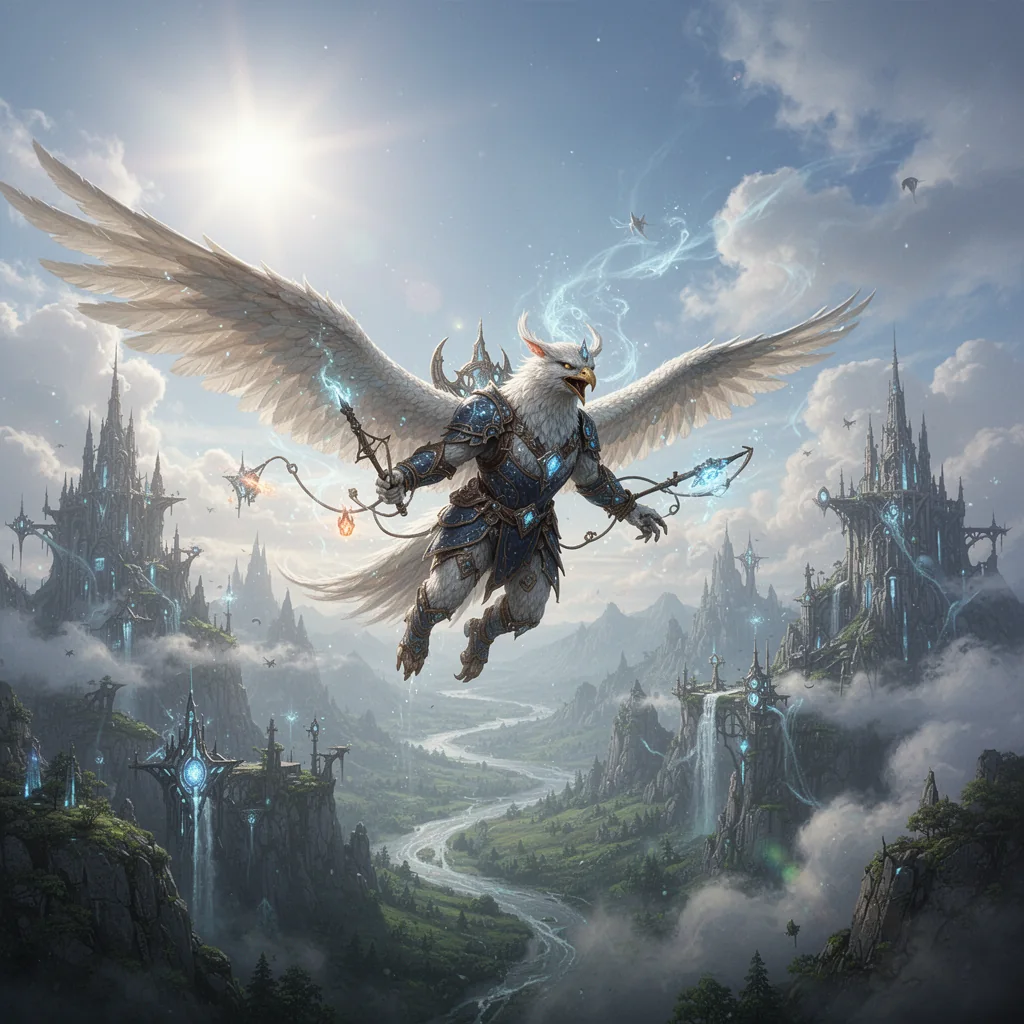
An avian adventurer
A feathered warrior, magical equipment and a towering mountain city show how character and setting can work together.
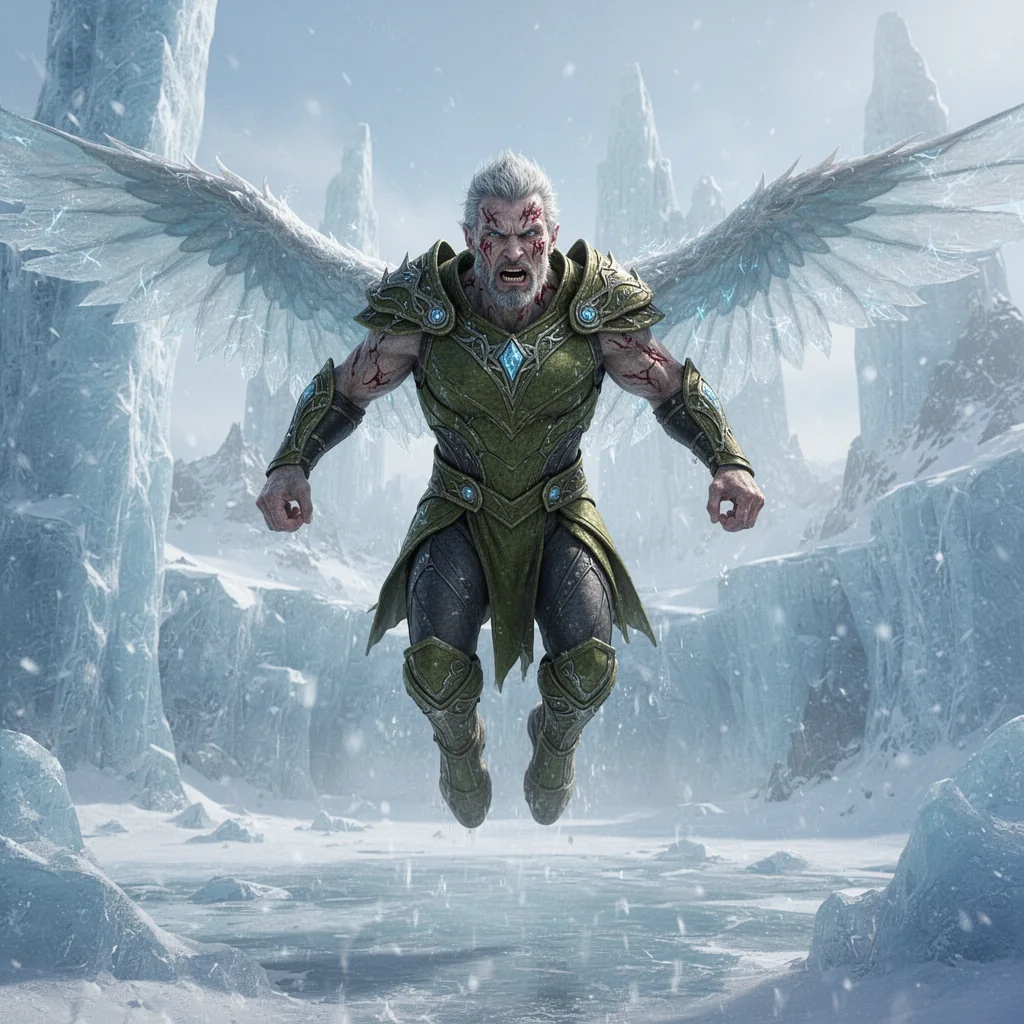
A glacier guardian
Weathered armour, physical condition, icy wings and a frozen landscape give this character a distinct story.
Actual images created with the featured VISINVOKE generator.
Your design stays connected
Different versions. The same visual direction.
These VISINVOKE examples show how a recognisable fantasy design can carry through changes in pose, equipment, expression and detail. Keep the foundation of your build, then choose what you want to vary.
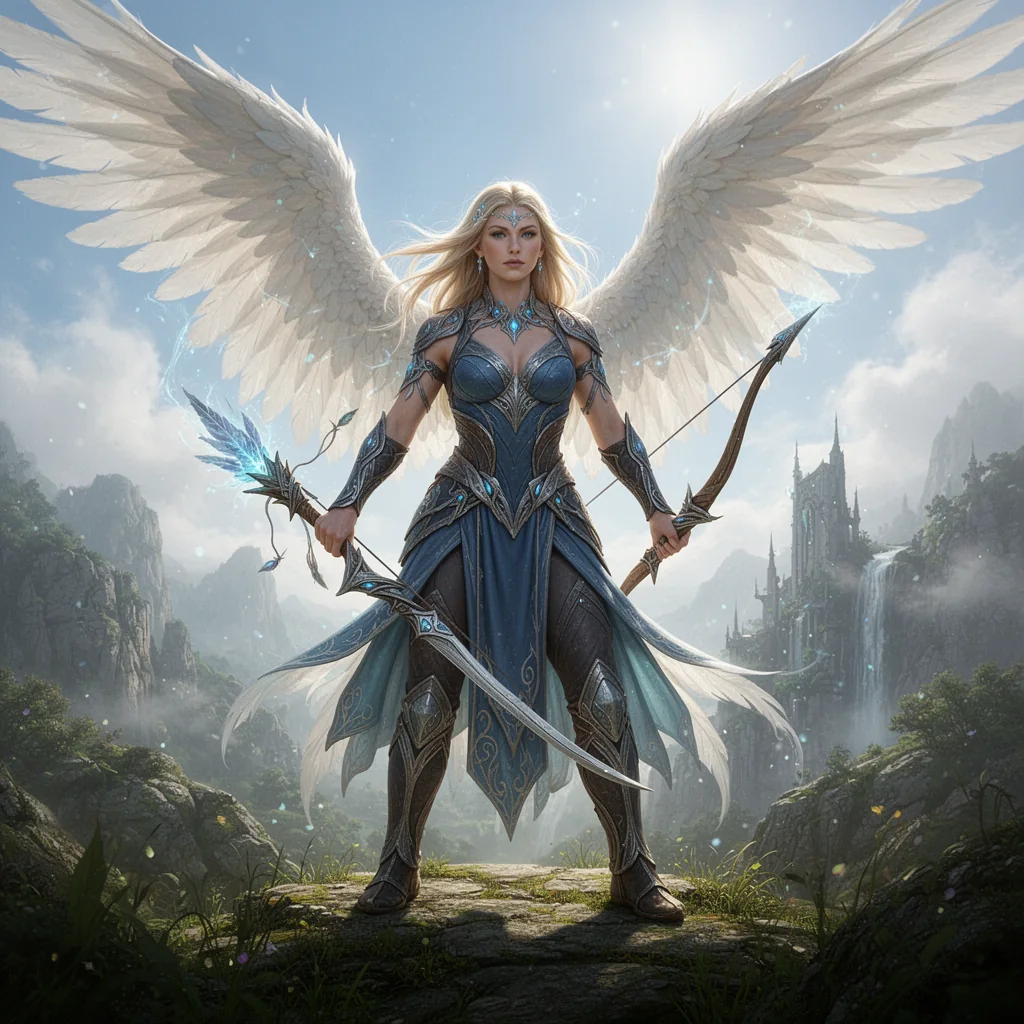
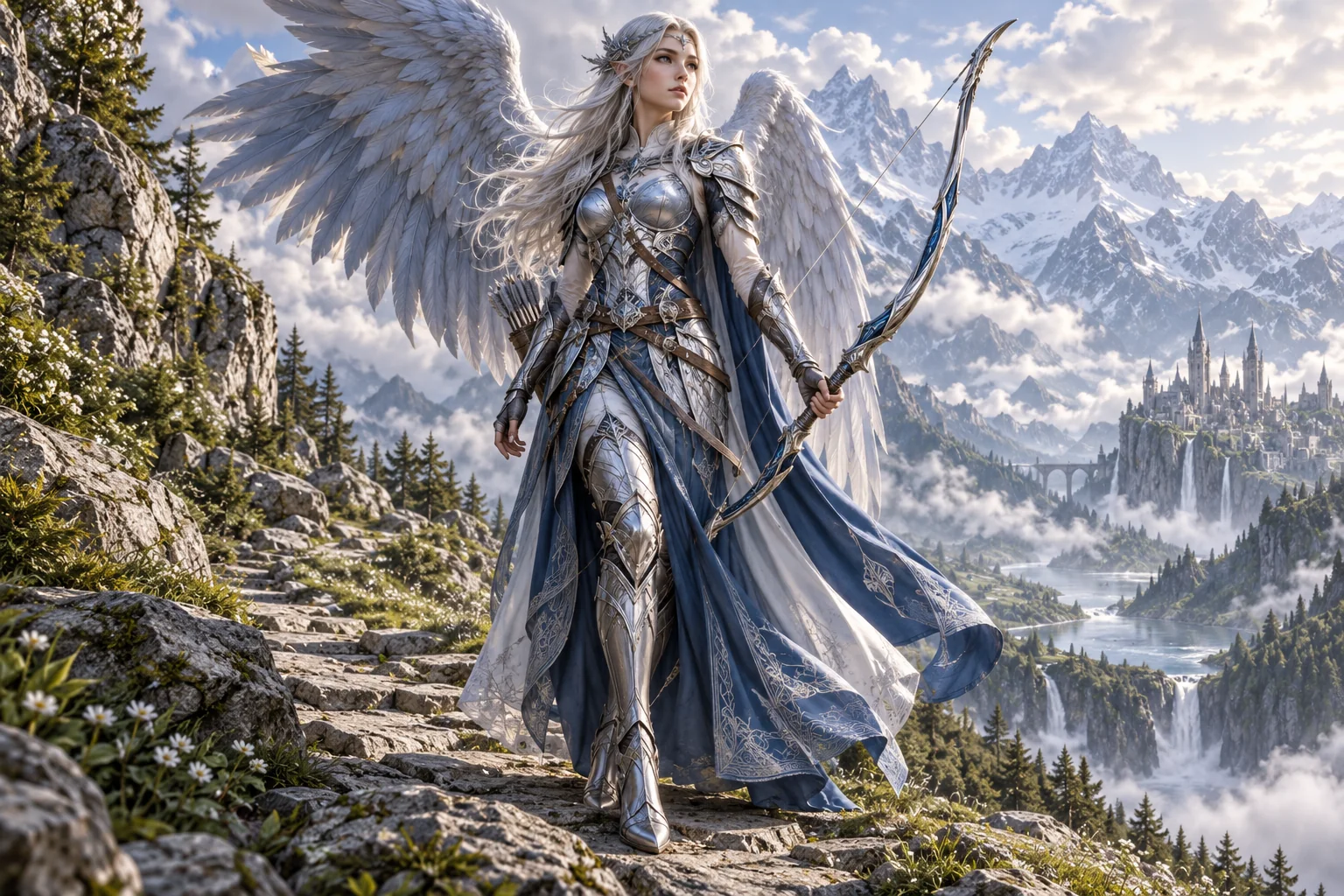
A winged hero
Silver-blue armour, white wings and a mountain-world setting establish a clear visual direction.
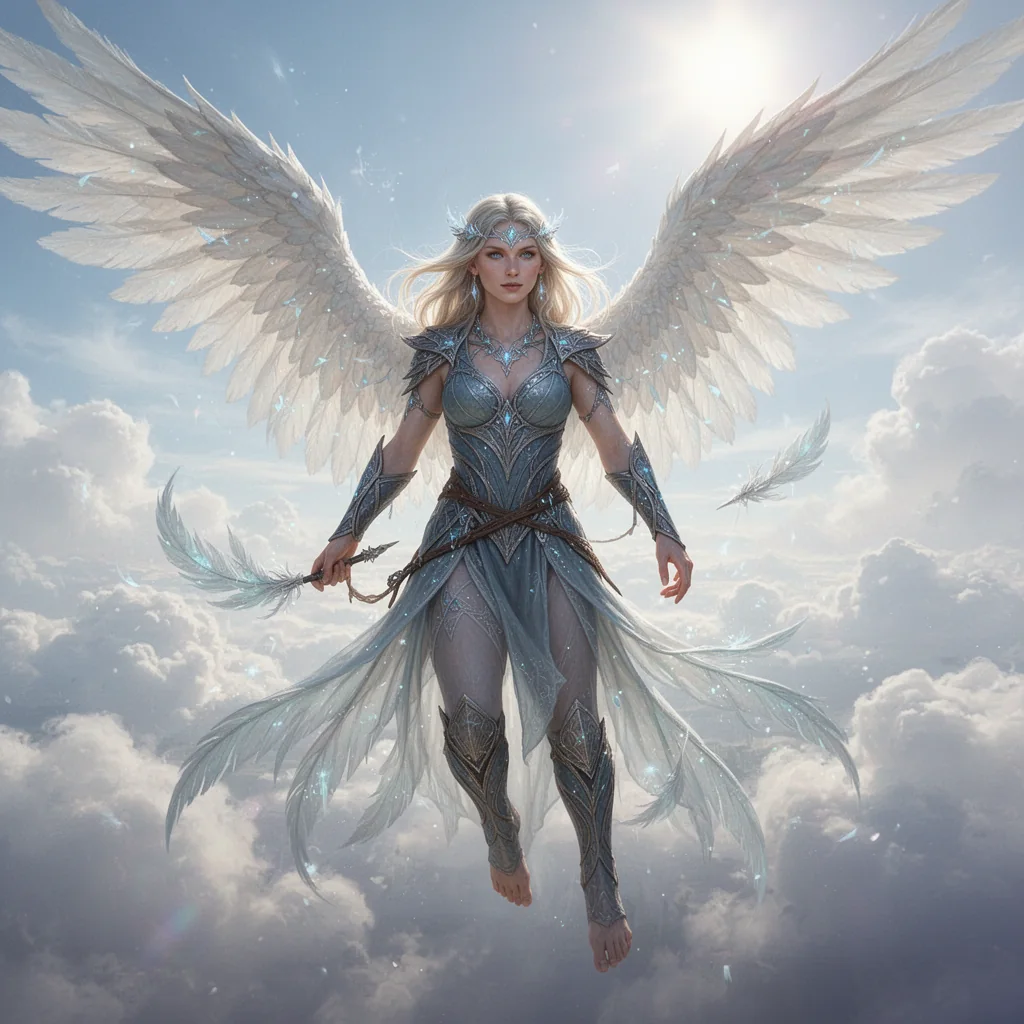
Take the idea into flight
Develop movement and presentation while carrying the winged character concept forward.
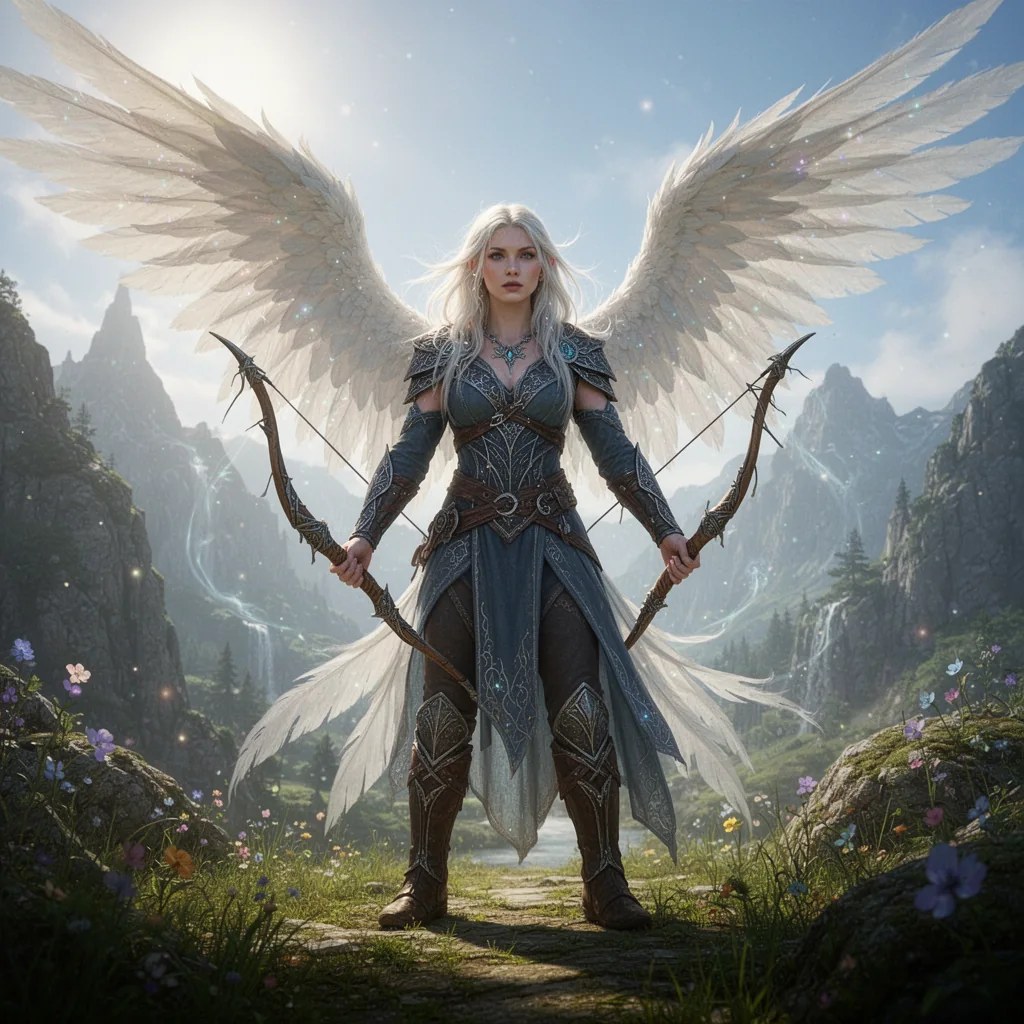
Change the equipment
Explore an archer version within the same silver-blue fantasy theme.
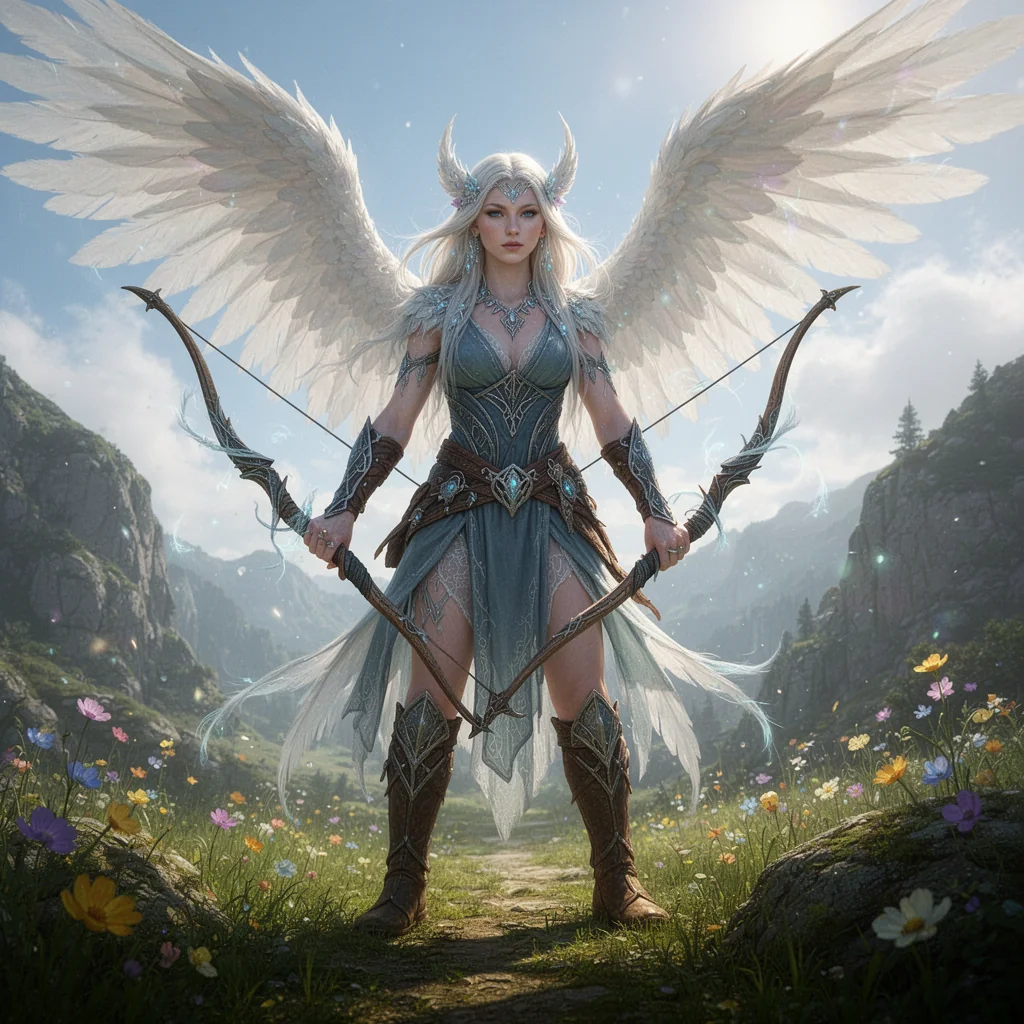
Refine the details
Adjust adornments, clothing and pose while retaining the design language of the build.
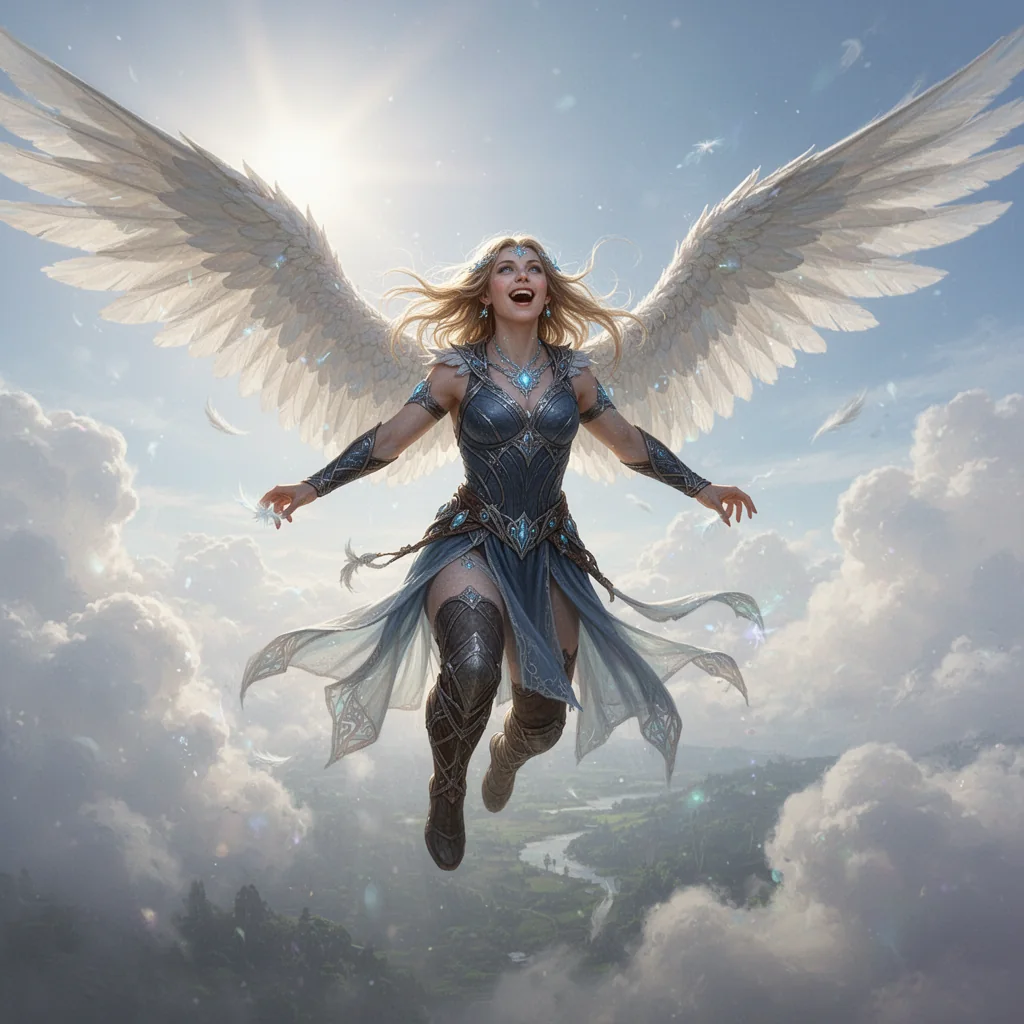
Change the expression
A more expressive flight pose explores another direction within the winged fantasy concept.
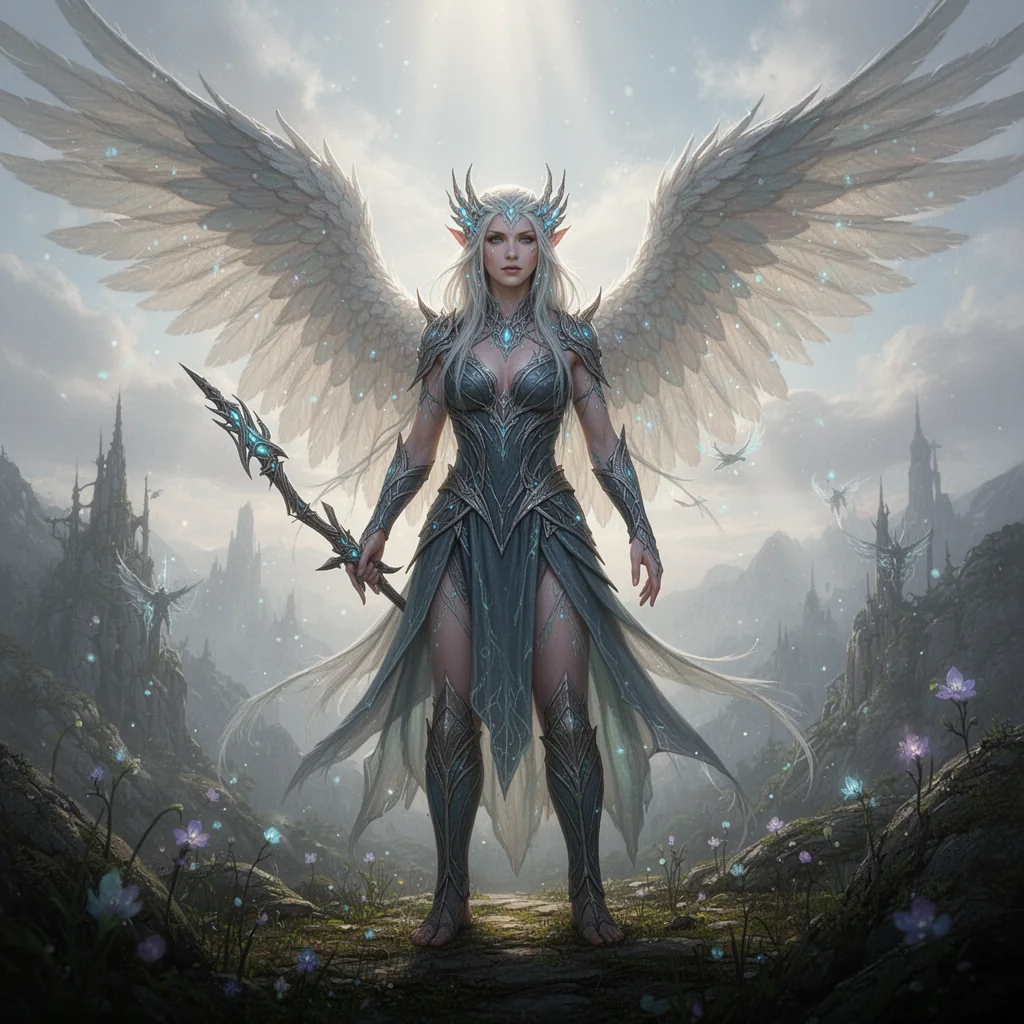
Explore another presentation
Pose, equipment and setting develop a related silver-blue celestial design.
Add wings, keep your character design
Return to a saved character build and add the wings you want. The other selected character traits do not need to be re-entered. You are refining an established design, not asking a blank prompt to reconstruct it.
Green to orange, without starting again
Change the clothing colour while retaining the existing identity, equipment, surroundings and presentation selections. The change stays focused on the detail you chose, rather than replacing the whole creative brief.
Actual images created with the featured VISINVOKE generator. These variations demonstrate a consistent visual direction.
Locations · Magic · Objects · Tactical imagery
Choose the item. Make every detail belong.
A weapon generator focuses on the weapon. An item generator focuses on the item. A location generator focuses on the place. Each gives you purpose-built layers to develop that subject and create further versions of it.
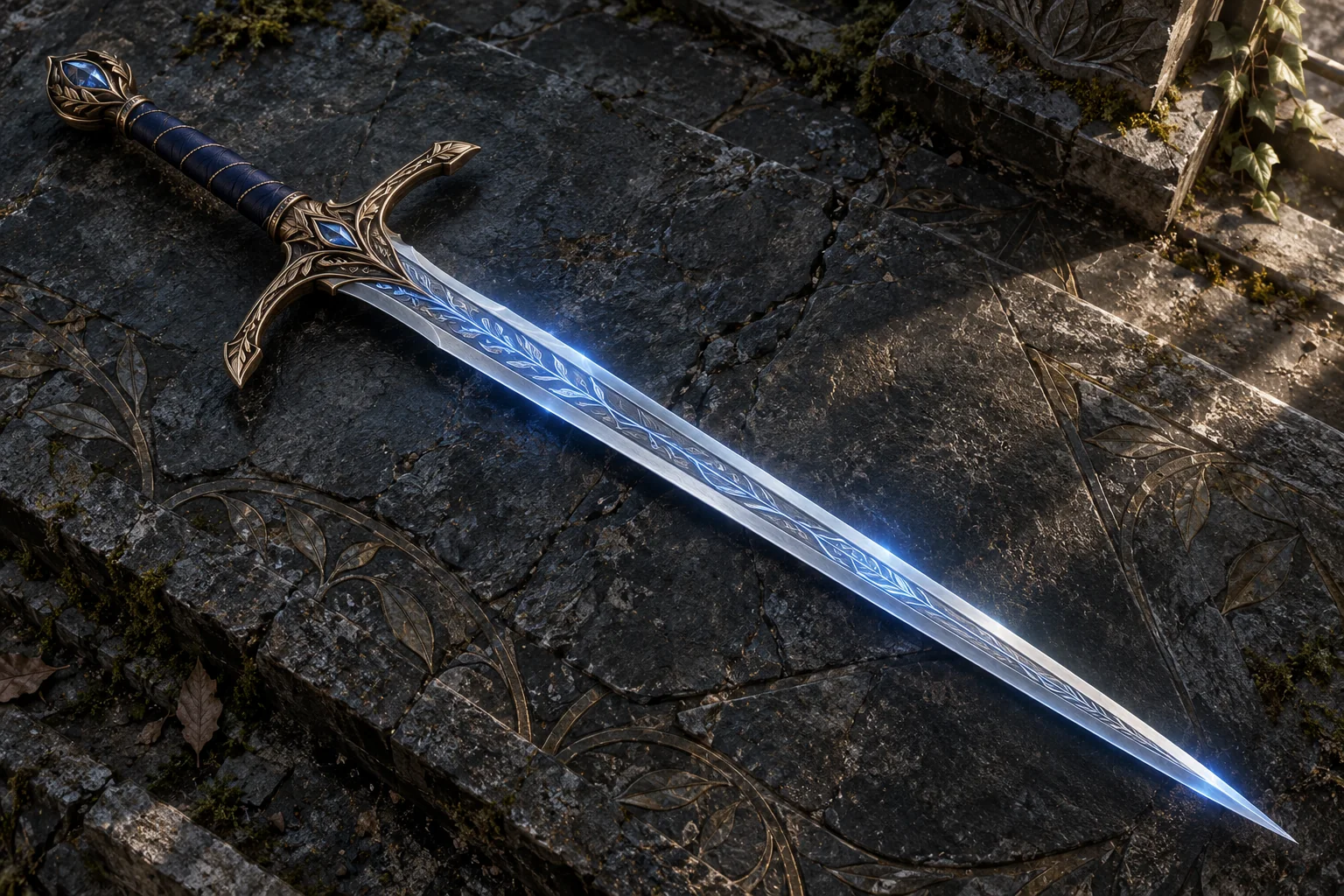
Environment & Location
Create landscapes, cities, cultural architecture, sacred sites, dungeons, biomes and planar regions with atmosphere and world context.
Magic & Effects
Direct spells, rituals, wild magic, energy systems and arcane phenomena. Connect magical effects to their subject and surrounding environment.
Object & Artifact
Visualise weapons, relics, equipment, spellbooks, sigils and arcane devices. Material, detail and presentation help each object tell its own story.
Battlemap & Tactical
Create top-down encounter imagery, dungeon layouts, wilderness battlefields and ritual arenas. For dedicated environment packs, see VISINVOKE Battlemaps.
A library built for long-term discovery
80 families live. A decade of expansion.
A family is a collection of focused generators around a related subject. Each generator then opens a rich set of choices for that subject. This is not a handful of generic templates with different names.
80 families live now
Explore the families already in the library, from character lineages and creatures to locations, magic, objects and narrative imagery. Search and A-Z filtering help you get to the subject you want without scrolling through everything.
20 new families each month
The ten-year expansion plan adds 20 families a month, continually broadening the subjects and specialist starting points you can explore. New families add depth as well as breadth to your creative library.
More than 1.8 million generators planned
The ten-year production programme plans more than 1.8 million focused generators. This is the planned long-term library, separate from the 80 families live now. Search, family browsing and filters keep a large catalogue approachable.
Over 2 trillion combinations per generator
Up to 4,000 selections combine across guided sections, with custom descriptions adding personal detail. Together they create an enormous creative choice space, not a fixed menu of finished pictures. Combinations are distinct from the number of generators in the library.
Families vary in size. That is where the depth comes from.
One family can contain many more focused generators than another. These examples from the wider production catalogue show a range from dozens of specialist starting points to more than a thousand within one family.
Monstrosities
76 focused generator entries in the production catalogue. Strange beasts, unusual anatomy and distinctive threats create a specialised family with its own creative depth.
Birdfolk lineages
553 focused generator entries in the production catalogue. Flight, culture, professions, environments and character roles take this family far beyond one birdfolk portrait.
Reef lineages
813 focused generator entries in the production catalogue. Underwater life, coastal cultures and richly varied character directions create a much broader family to explore.
Apocalyptic cults
1,151 focused generator entries in the production catalogue. Beliefs, rituals, factions and narrative concepts show how far the library reaches beyond character portraits.
Family sizes reflect the depth of the subject, not an identical number of generators in every family.
Your creative work, kept together
Return to the build. Keep the world coherent.
A campaign is not one isolated image. Keep your characters, places and visual direction together, then continue the work when you want a new scene, a different detail or the next version.
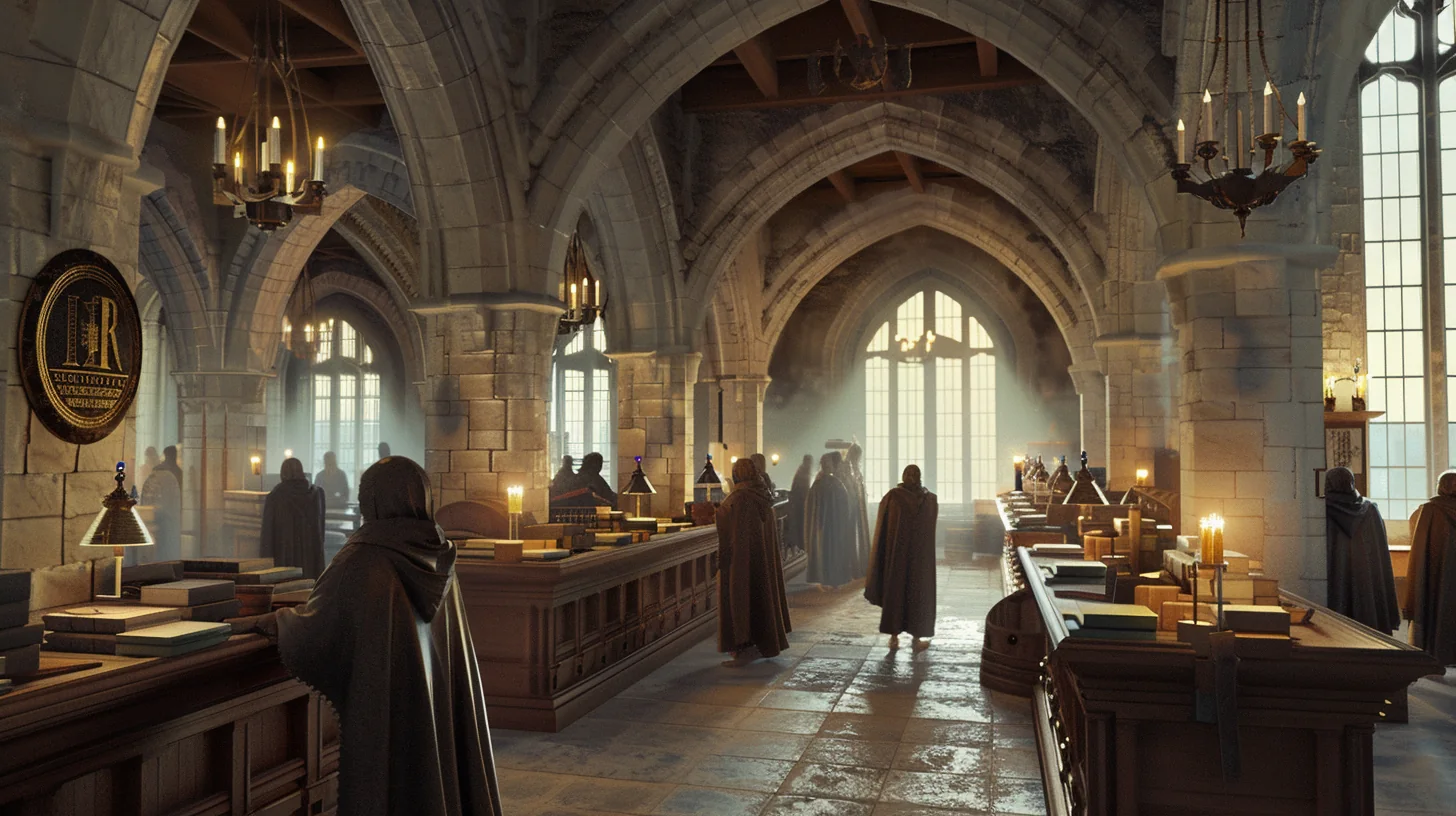
Continue a saved build
Reopen the selections behind an image and change only the parts you want to develop. Your remaining design choices are preserved, so a new session does not mean recreating the character or setting from memory.
Presets, templates and history
Save a setup you want to use again, work from a structured starting point and return to earlier results. Reusable choices make a shared visual direction easier to carry through an ongoing project.
Collections for a whole campaign
Organise related characters, locations and scenes into collections. Search and filter your saved work to find the right build quickly, instead of losing it in an ever-growing pile of separate images.
Refine, compare and animate
Create a variation from an existing build, use quick editing for camera, lighting and style, compare the results and turn a selected image into an animation. The creative journey continues beyond the first output.
From an image to a moving scene
Do not just show the world. Bring it to life.
Animate a generated image into a short MP4 for a campaign introduction, location reveal or creative presentation. These are actual animations created from images made with the featured VISINVOKE location generators.
City gates
A city entrance becomes a moving establishing scene.
Fortified checkpoint
Turn a guarded passage into an atmospheric encounter setting.
Gate checkpoint
Bring a checkpoint scene into motion for a campaign reveal.
Small gatehouse
Give a compact fantasy location its own animated moment.
Intake chamber
Carry a detailed interior from still artwork into a short clip.
Licensing hall
Animate the everyday spaces that make a fantasy world feel lived in.
Choose the image that tells the story
Build and refine your still image first, then use animation to extend it into a moving scene. Character art, locations and narrative imagery can become another part of the way you present your world.
Clear duration and credit choices
Choose 5 seconds for 1 animation credit or 10 seconds for 2. Animation uses separate credits that do not expire, and the finished clip is an MP4. Each example above plays only when you choose it.
Connected VISINVOKE products
One account. More ways to use your imagination.
Every product card opens its own website. Image systems run in the browser; supported Windows tools connect through Desktop Command Centre.
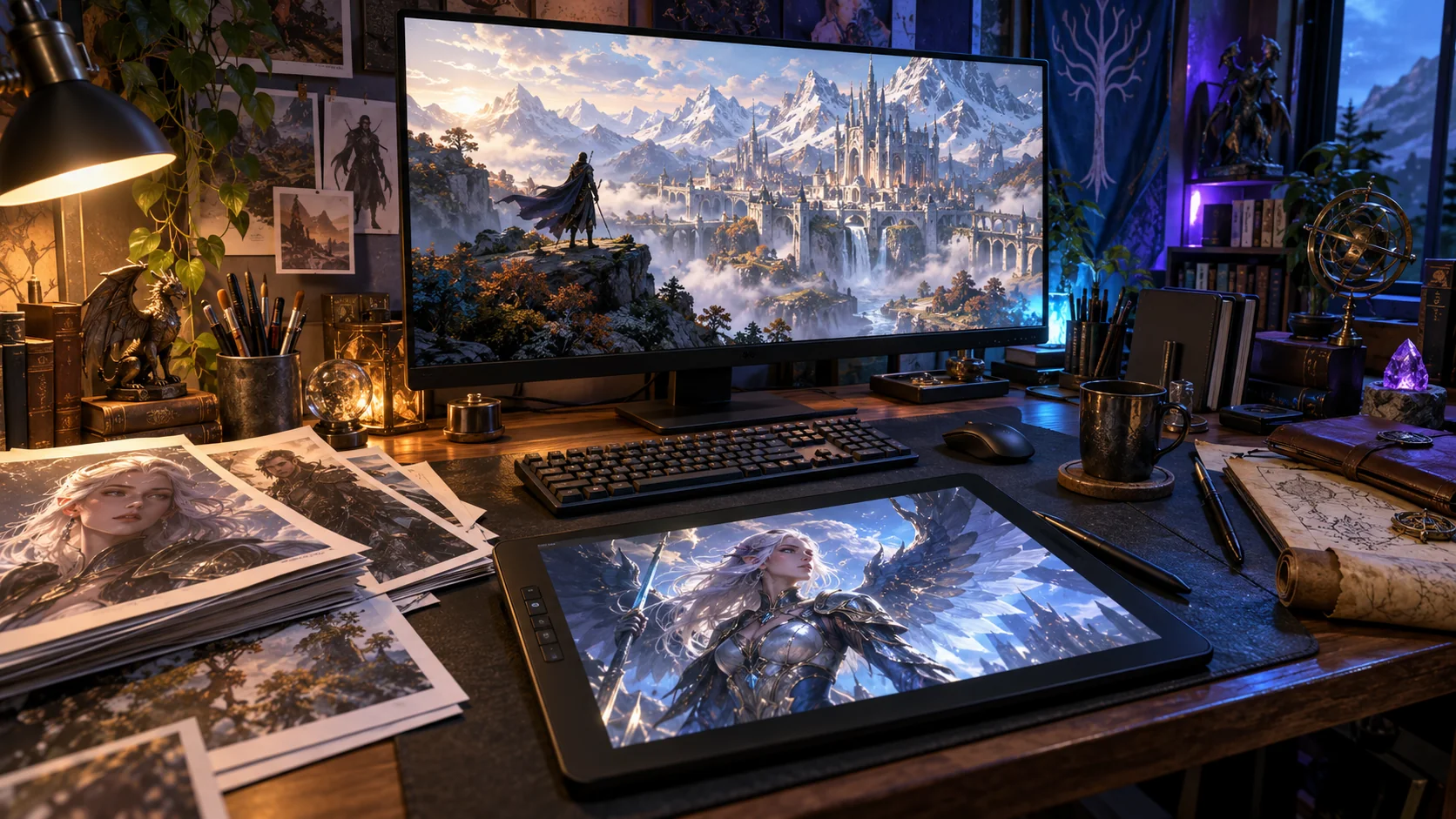
Desktop Command Centre
Discover and open your supported Windows products from one connected account.
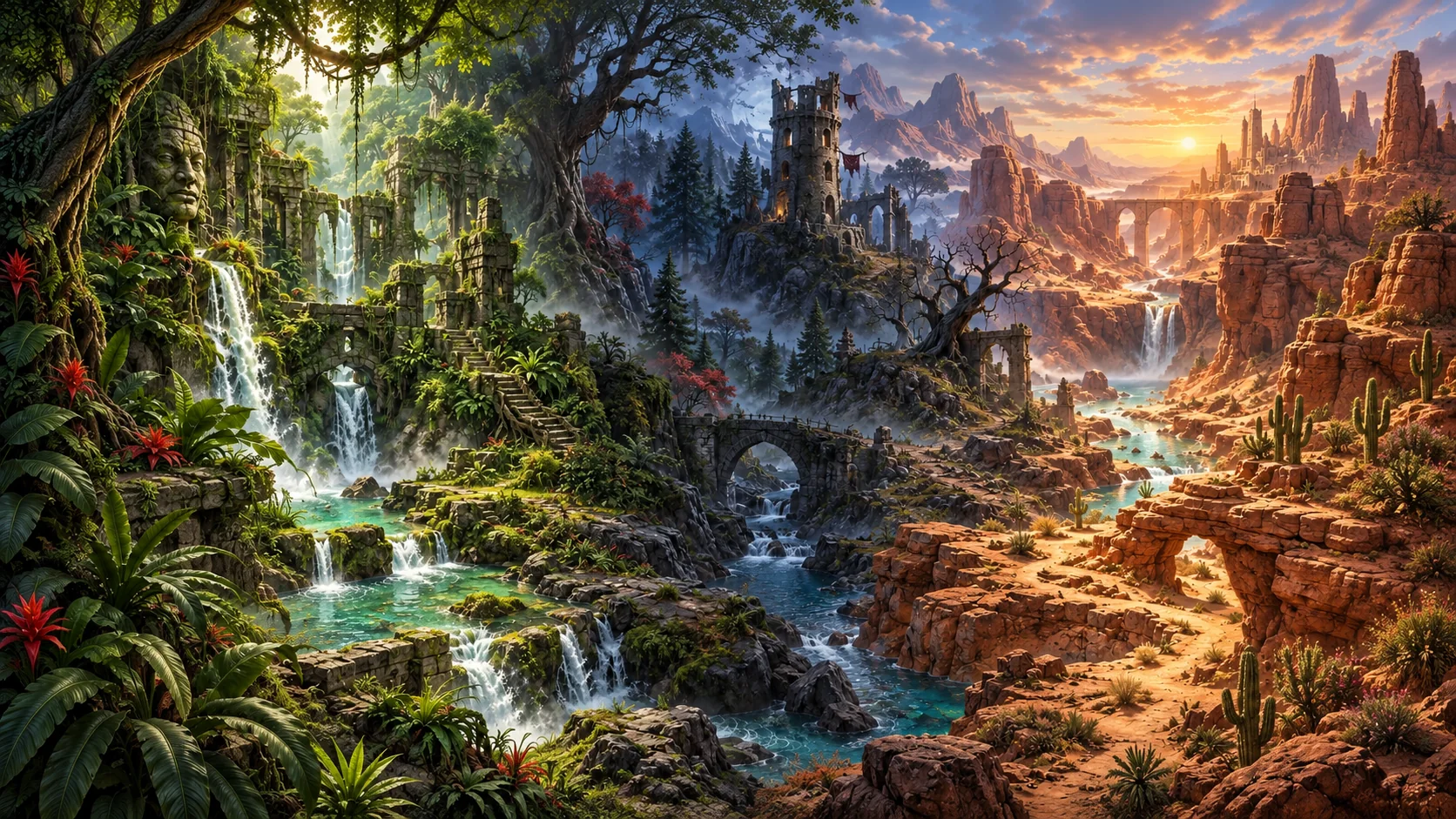
VISINVOKE Battlemaps
Build environment packs for tactical encounters, locations and adventures.
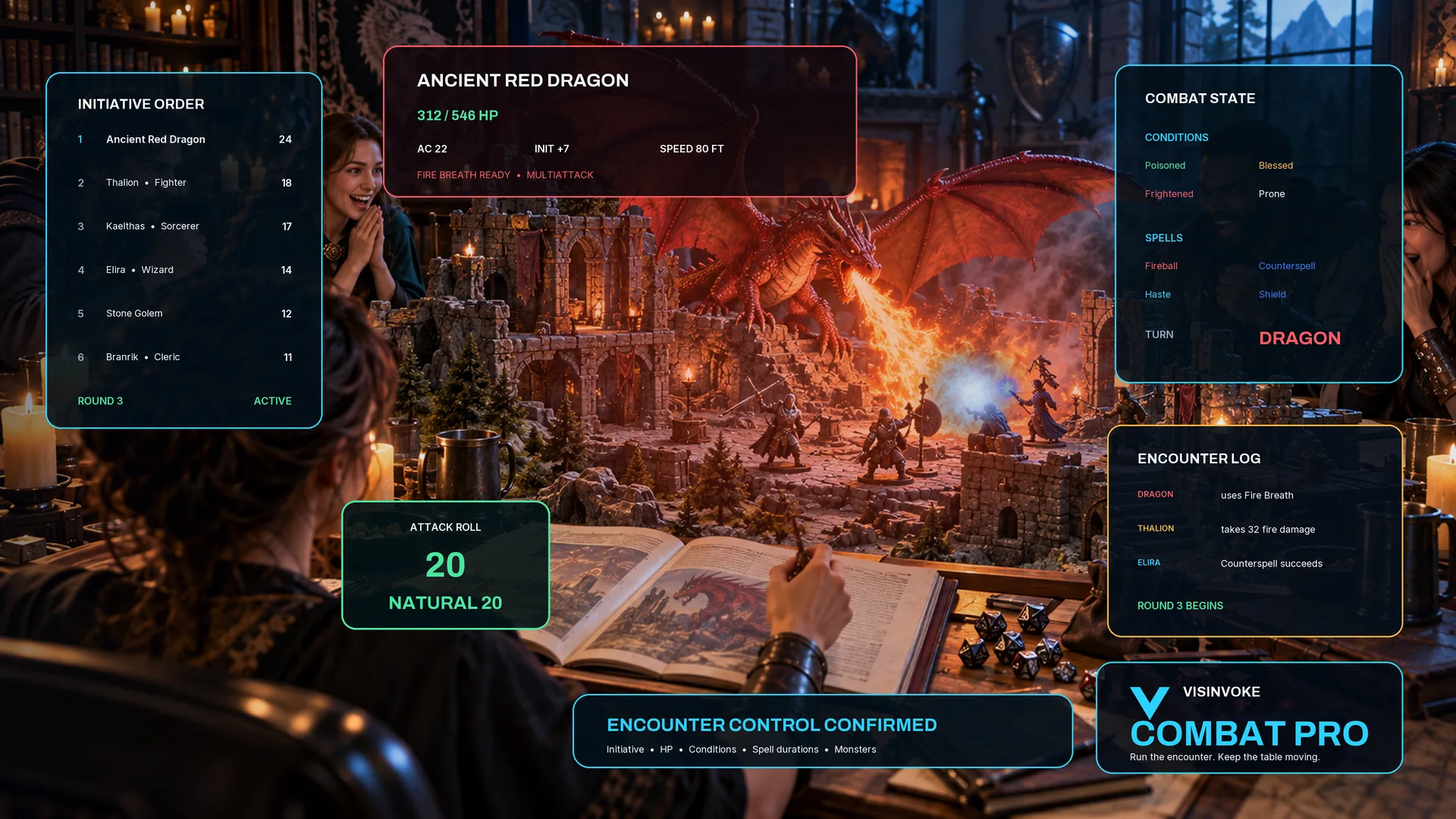
Combat PRO
Run tabletop encounters and manage the action around your campaign.
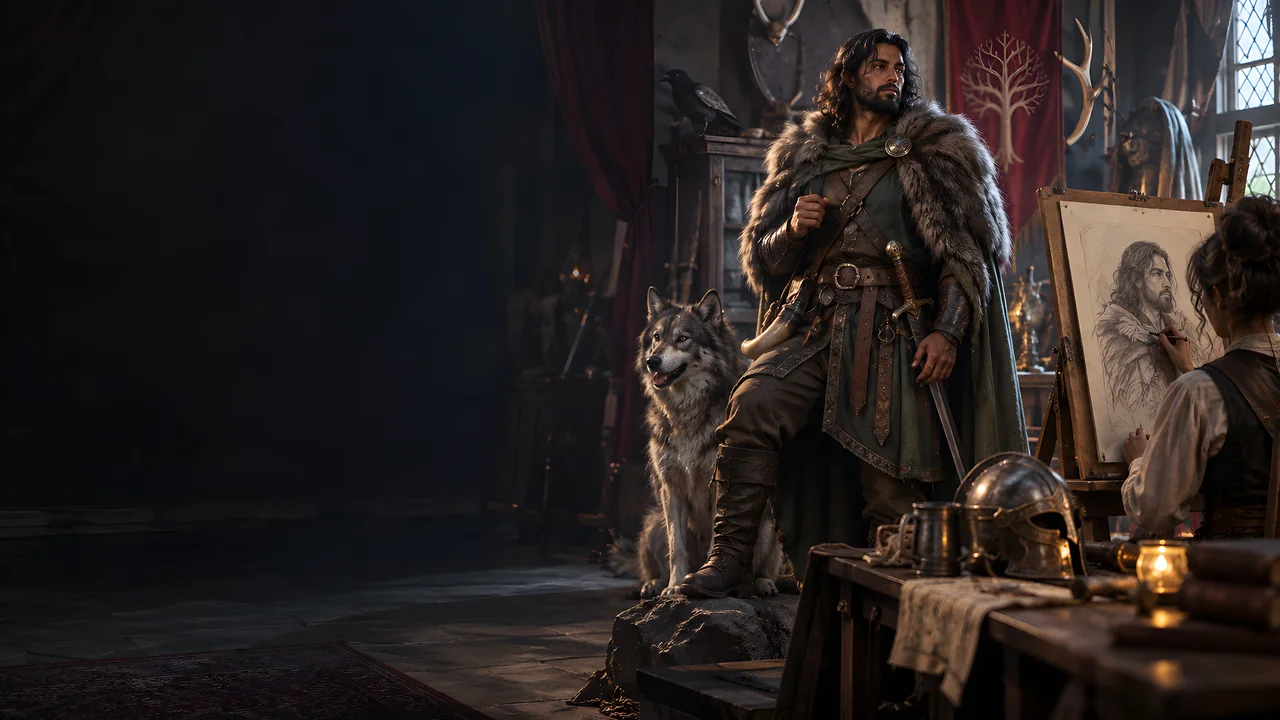
NPC Generator
Develop the people, roles and personalities that make your world believable.
World Framework Generator
Give your setting a connected foundation for places, cultures and stories.
Professional Image System
Take guided image creation into professional and practical visual work.
One account, a connected collection
Your VISINVOKE identity connects image creation with the wider toolkit. Keep your account, saved builds and product access together, then choose the separate products that suit the way you work.
Create wherever your browser takes you
The D&D Image System runs through your VISINVOKE account in the browser. Find a generator, guide your idea and continue saved work without needing the Windows command centre to create images.
Keep product access clear
Desktop Command Centre launches supported Windows products. You do not need its installer to create D&D images.
Choose your wider toolkit
See the VISINVOKE ecosystem overview and free utility collection. Separate products keep their own access models.
VISINVOKE means value. Quality. Ownership. Rewards.

01
Quality
Deep structured visual controls, explicit quality selection and continuing builds support deliberate fantasy creation.
02
Clear access
Account creation is free. Image generation uses credits, while paid plans provide recurring allowances. Animation credits are separate.
03
Reusable work
Saved builds, configurations, presets and history carry your creative direction forward rather than leaving every session at a blank starting point.
04
Rewards
Eligible rewards and referrals follow the terms shown in your VISINVOKE account. They remain distinct from paid generation and animation credits.
Account access and generation credits
Choose your rhythm. Know what each image costs.
Prices below are USD. Image quality and selected output count determine credit usage; your account shows its plan balance and checkout terms.
Free account
US$0account creation
Start with one VISINVOKE identity
Create your account to access the D&D image workspace and choose the plan that fits your work. Account creation itself does not require a paid subscription.
Create a free VISINVOKE accountMonthly image plans
US$9.99starting monthly price
Five image-generation tiers
- Artisan: $9.99 / month
- Architect: $25 / month
- Visionary: $40 / month
- Creator Pro: $65 / month
- Commercial: $130 / month
Paid plans include recurring image credits. The Commercial plan includes commercial licensing under the account terms.
Create an account for image plansLonger billing terms
6 / 12months per billing term
Keep the billing period explicit
- Artisan: $59 / $119
- Architect: $150 / $300
- Visionary: $240 / $480
- Creator Pro: $390 / $780
- Commercial: $780 / $1,560
Each pair is the total six-month / twelve-month price, not a monthly charge. Quality costs: Draft 1, Refined 2, Final 4 credits per image.
Create an account to choose a termOptional animation credits
US$5.99starting pack price
Turn an image into an MP4
- 5 credits: $5.99
- 10 credits: $11.99
- 20 credits: $21.99
5 seconds uses 1 animation credit; 10 seconds uses 2. Credits do not expire and are separate from image-generation credits.
Create an account for animationQuestions answered clearly
Create with the whole workflow in view.
Subjects, controls, credits, continuing work and animation, explained simply.
What can I create?
Choose a focused generator for a character, creature, weapon, item, location, effect or narrative subject. Its layers are customised to that subject, and saved selections let you return to create more images and variations of the thing you chose.
How much control does a generator provide?
Use up to 4,000 selections, plus your own custom descriptions. Each generator has subject-specific choices and guidance within its collapsible layers. The six-section example on this page is a character generator, not the same form for every subject. Your unedited design choices remain in place when you change a detail.
How do image credits work?
Draft uses 1 credit per image, Refined uses 2 and Final uses 4. Select 1, 2 or 4 images and review the total cost before generating. Paid plans provide a recurring credit allowance; your account shows its balance.
Can I continue a previous build?
Yes. Continue Build reopens your saved selections. Change a detail, such as adding wings or choosing orange clothing instead of green, without clearing the rest of your design. Presets, templates, collections and history keep ongoing work together.
How does animation work?
Animate an image using separate animation credits. A 5-second animation uses 1 animation credit and a 10-second animation uses 2, with MP4 output. Animation credits do not expire.
Do I need Desktop Command Centre to create images?
No. The D&D Image System creates images in your browser through your VISINVOKE account. Desktop Command Centre is the separate hub for supported Windows products.
Create with VISINVOKE
Your world, your way.
Start with a free account. Find your subject, shape its details with guided help, then save, refine and animate your work.
AccountSubjectCreateContinue
Create a free VISINVOKE account